
How does an invited user confirm access to the workspace?
Step 1: Invitation email delivery
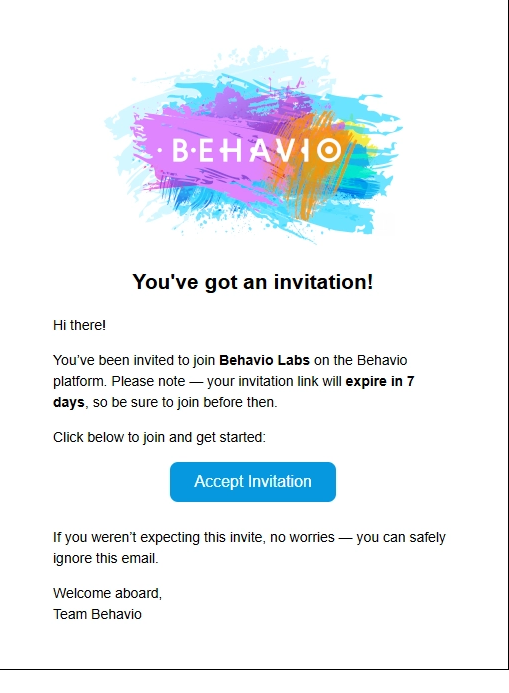
- The invited user receives an email invitation (example below).
- Sometimes the email may end up in spam (depending on the mailbox settings).
Step 2: Accepting the invitation
After clicking Accept Invitation in the email, one of these happens:
A) The user already has a Behavio platform account
- the sign-in page opens,
- after signing in, the user is automatically redirected to the workspace from the invitation.
B) The user doesn’t have a Behavio platform account yet
- the registration page opens,
- the user enters their name and sets a password,
- a new account is created and gets access to the workspace from the invitation.
- Important: The invitation is valid for 7 days. If it expires, you need to send it again.