
Static Creative
1. What does this format look like?
A static creative is a single still image — think banner ads, social media posts, billboards, or print ads. It's a great format for testing how well your visual and message land without the support of motion or sound.
Testing a static creative is ideal when you want to evaluate whether the image, headline, and branding elements are working together to communicate your key message at a glance.
2. What do the results look like?
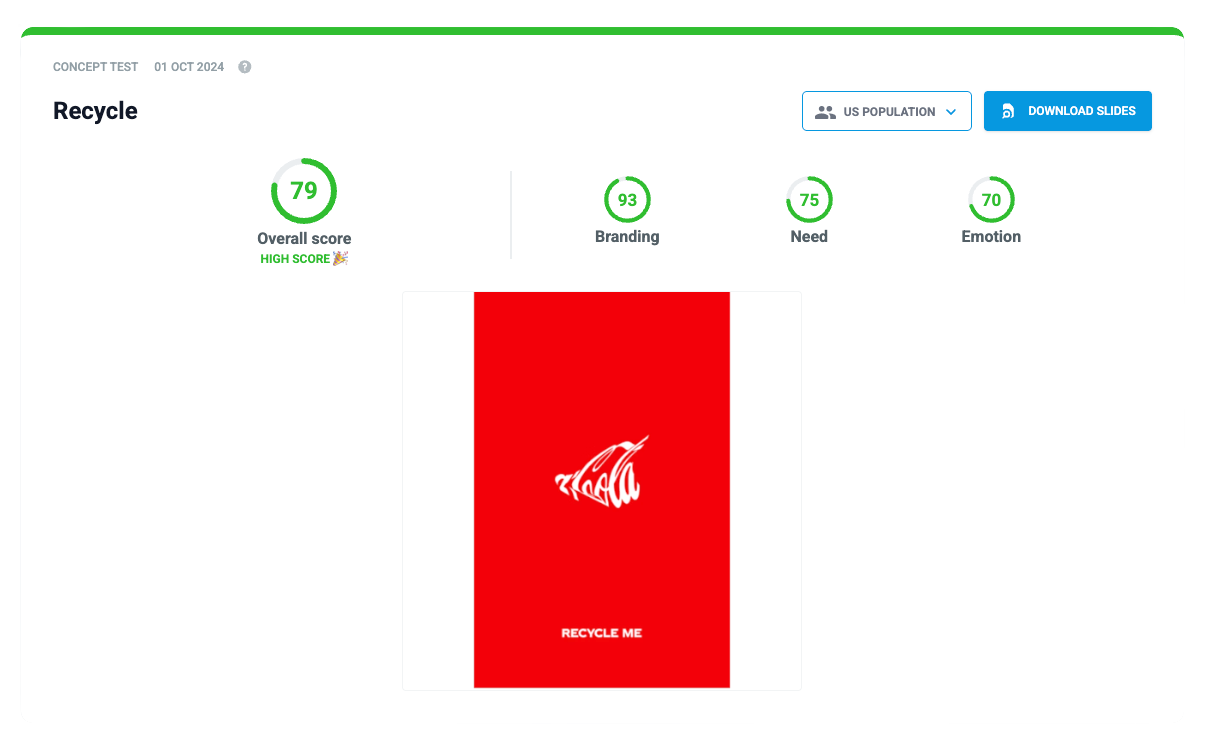
3. How to prepare for testing?
We need a couple of things from you before we can test the effectiveness of your creative.
- Provide the correct format
- Define your product category
- Come up with the messages (brand associations) you want to test
- List your competitors
- Define your target audience
3.1. Correct format
ESSENTIALS
- Make sure to upload image files (not links or thumbnails). The visuals – including text – should be large enough for respondents to clearly see the content, even on mobile devices.
- Sticking to the correct format helps ensure your concept can be accurately compared with others
- If the visual is still a work in progress, please ensure it reflects the final version as closely as possible. For example, include any branding that will appear in the finished creative.
TIPS
💡 A single, clear focal point tends to perform better — avoid cluttering the image with too many elements.
💡 Include your logo and any key brand codes (colours, fonts, characters) that will appear in the final version.
💡 If testing multiple creatives against each other, keep the format consistent across all of them.
3.2. Product category
3.3. Messages
3.4. Competitors
3.5. Target audience
✅ Everything ready! What now?
Upload everything into the platform or drop us an e-mail with the contents you've prepared.
We'll make sure nothing is missing and start gathering data immediately! If we need further clarification on something, we'll let you know!